Build your travel route
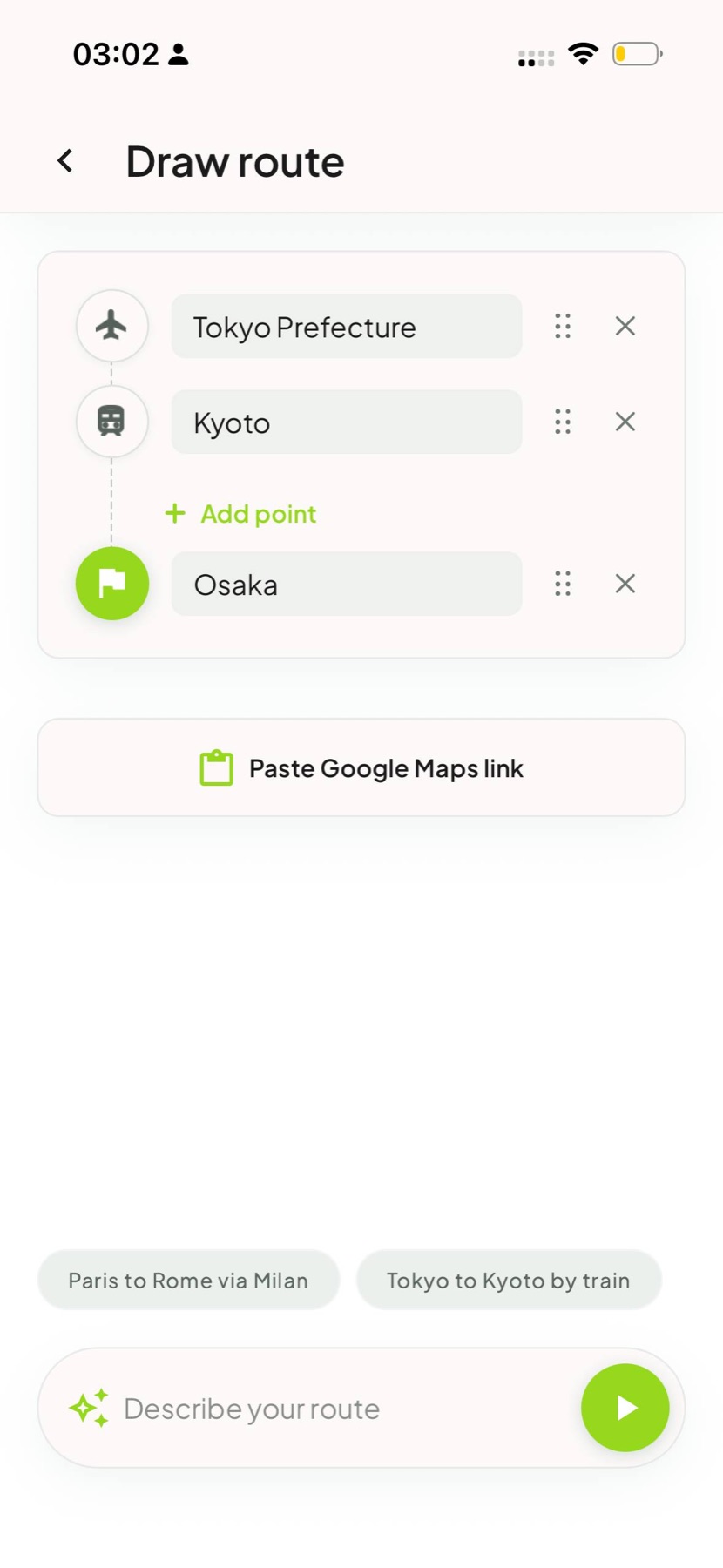
Add stops, reorder them, paste a Google Maps link or describe the journey you want to show.
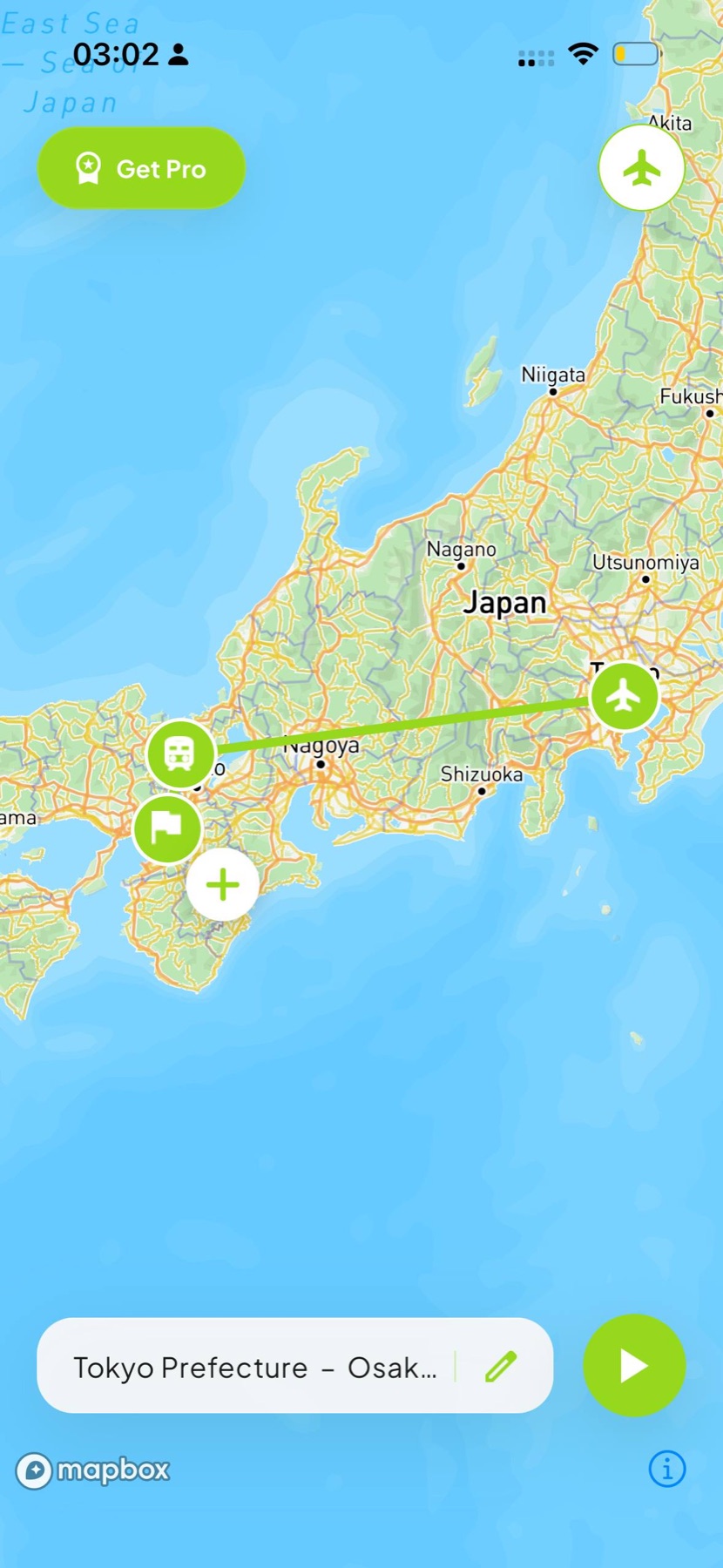
Tokyo → Kyoto → Osaka
Animated travel map maker for iPhone
Build your route, pick a vehicle and watch the journey unfold. Roam Reels turns travel routes into polished animated map videos ready for Reels, Stories and your camera roll.
Free to start · Made for iPhone · No editing timeline required

1080pMP4 export
6transport models
9:16and more formats
Flat + globemap views
A route video in three steps
Roam Reels keeps the map animation workflow short, visual and phone-first—so the result feels crafted without a desktop editor.
Add stops, reorder them, paste a Google Maps link or describe the journey you want to show.
Tokyo → Kyoto → Osaka
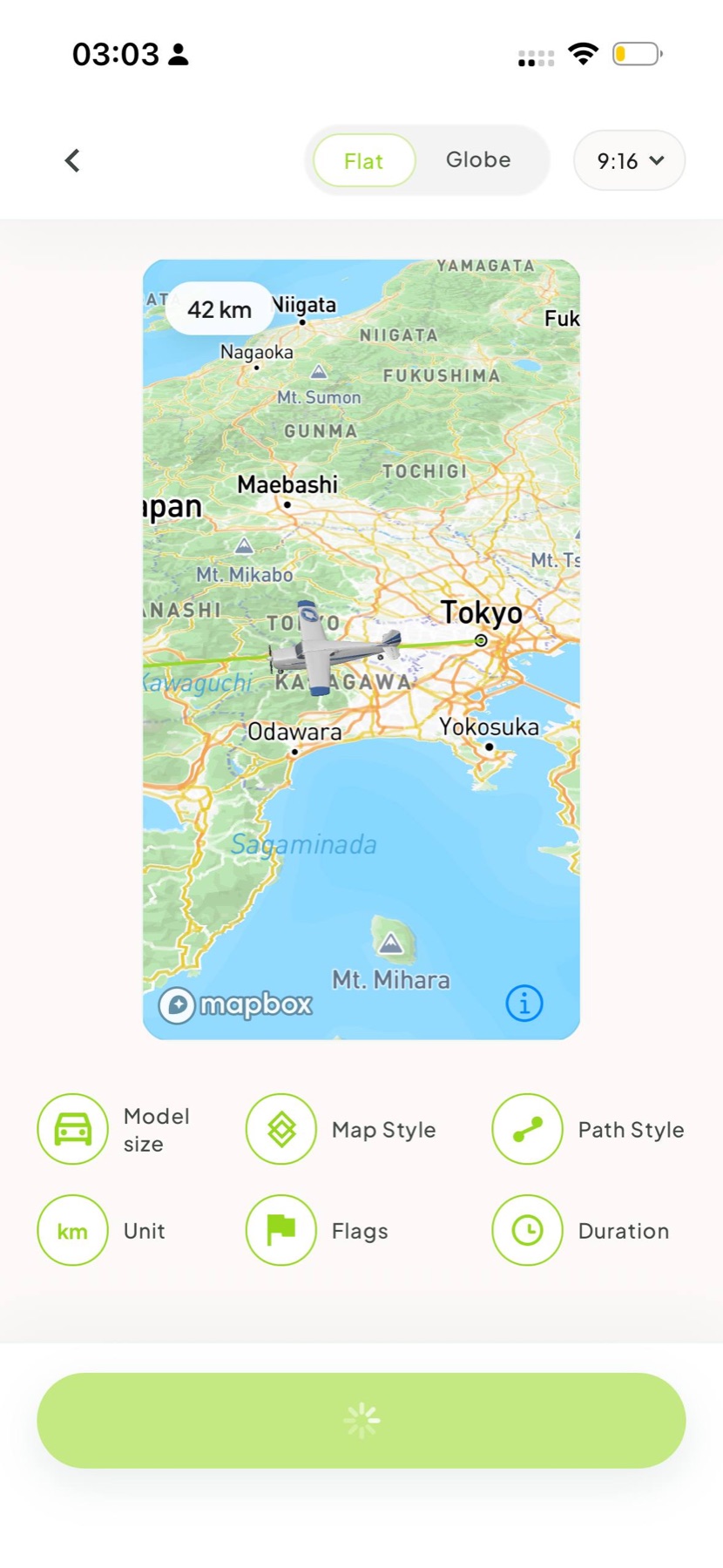
Choose a plane, train, car, bus, boat or motorhome. Adjust the map, path, flags, duration and video format.
Watch the route animation, fine-tune the pacing and save a 1080p MP4 to your camera roll.
Ready for Reels & Stories
The journey is the content
Route input
Plot each stop, paste a Google Maps route, or describe your trip in a sentence. Roam Reels turns the route into a visual sequence you can edit.
Visual control
Set the map and path style, resize the moving model, add country flags and choose the pacing before the final preview.
Models & export
Match the movement to the memory, preview the full journey and export a clean 1080p MP4 for your camera roll.
Quick answers
Useful answers for choosing a map animation maker—and for getting from a travel route to a shareable video.
An animated travel map is a short video that shows a vehicle moving along a route between your trip stops. It turns a list of destinations into a visual travel story.
Add your stops manually, paste a Google Maps link, or describe the route. Choose a transport model and style, preview the animation, then export a 1080p MP4.
Yes. Build a multi-stop road trip route, choose the car or motorhome model, customize the path and export the journey as a route video.
Roam Reels focuses on visualizing a route as an animated video. It complements a trip planner or travel itinerary template rather than replacing tools for bookings and schedules.
Review carousel preview
“I could finally show the route without spending an evening keyframing a map.”
“The moving plane made our three-city honeymoon recap make sense in seconds.”
“Pasting the route and choosing the car felt much easier than building it in a video editor.”
“The route became the perfect opening for our family vacation video.”
The route journal
A practical route-to-video workflow for trips, road journeys and multi-city adventures.
Road trips · 7 minPlan the sequence, simplify the stops and turn the drive into a story people can follow.
Travel wrapped · 5 minUse routes, numbers and a clear narrative to recap a year of movement without a complicated edit.
Your next route deserves a replay
Roam Reels is coming soon to iPhone. Build the route. Pick your ride. Watch the memory move.